


Compatible Vehicles:
Audi Q2 2016 2017 2018 2019 2020 2021
Note that the above year range is for your reference only. Send a photo of the dashboard(radio system) to info@carnaviplayer.com if you are unsure about fitness.
Attention:
1. If your car has the AUX(External audio input) audio option, you don't need the AMI-AUX cord.
2. You need the Audi AMI-AUX adapter cord if your car has the AMI audio option instead of the AUX(External audio input) audio option.

Factory standard radio FYI

Installation photo

Frequently asked questions:
Is this product plug-and-play? Do I need to program or code my Audi? Do I need to buy an external GPS antenna? Can I still check the car info on the OEM screen?
Answer: Yes, it is plug-and-play. It has the same plugs and harness as the original Audi system. You do not need to program your car when installing. All necessary accessories are included in the package. You do not need to buy anything else to make it work. You can still check the original Audi car info as before.
How do I switch the new Android system to the original Audi interface?
Answer: To switch to the original Audi interface, please tap the “Original” icon on the home screen.
How do I switch the original Audi interface to the new Android system?
Answer: Please tap the screen.
Why does “No signal” show when tapping “Original” to switch back to the original Audi interface?
Answer: Please check the CAR-LVDS port. Connect the LVDS plug (removed from the OEM screen) to the new screen.


Why is there no audio from the new Android system?
Answer:
1. Please press the MEDIA button on the radio panel and check the audio source options. Make sure the External Audio input(AUX) is activated.

Note that if your car has the AMI option instead of AUX, you need to plug the Audi AMI-AUX cord into the AMI port in the glove box on the passenger side. After plugging this cord, the AMI will change to AUX on the screen.
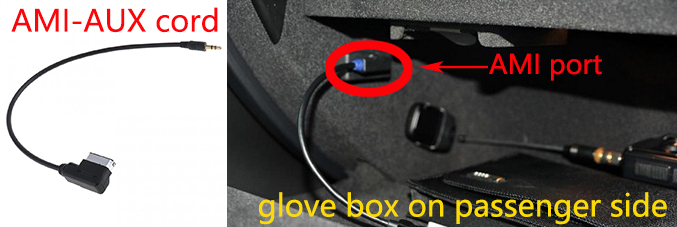
2. Then tap the screen on the Android screen. You should be able to hear sound.
Why does it not power off when I shut down the car?
Answer: Please ensure the CANBUS connector is connected behind the climate control panel, as shown below.

Why does the Sirius/XM radio, original car computer info, and factory camera not display?
Answer: Please check the green fiber optics plug. You need to move it from the original connector to the new connector we provided.

Powerful Performance. Built for Your Drive.
Advanced hardware delivers smooth multitasking, faster response and plenty of storage for your in-car entertainment experience.
Powerful CPU
High-performance processing power for faster response and smooth operation.
High-Speed RAM
Enjoy smoother multitasking and seamless switching between applications.
Ample Storage
Plenty of space for your favorite apps, music, videos and navigation data.
Upgrade Your In-Car Experience
Transform your driving experience with premium multimedia entertainment, online music streaming, and real-time navigation. Enjoy a smarter, more connected, and more enjoyable journey every time you get behind the wheel.

Seamless Integration & Touchscreen Control
Designed to integrate with your vehicle's original system, this upgrade features factory-compatible wiring and connectors for a clean installation. Retain your original audio system and steering wheel controls while enjoying the convenience of touchscreen operation.
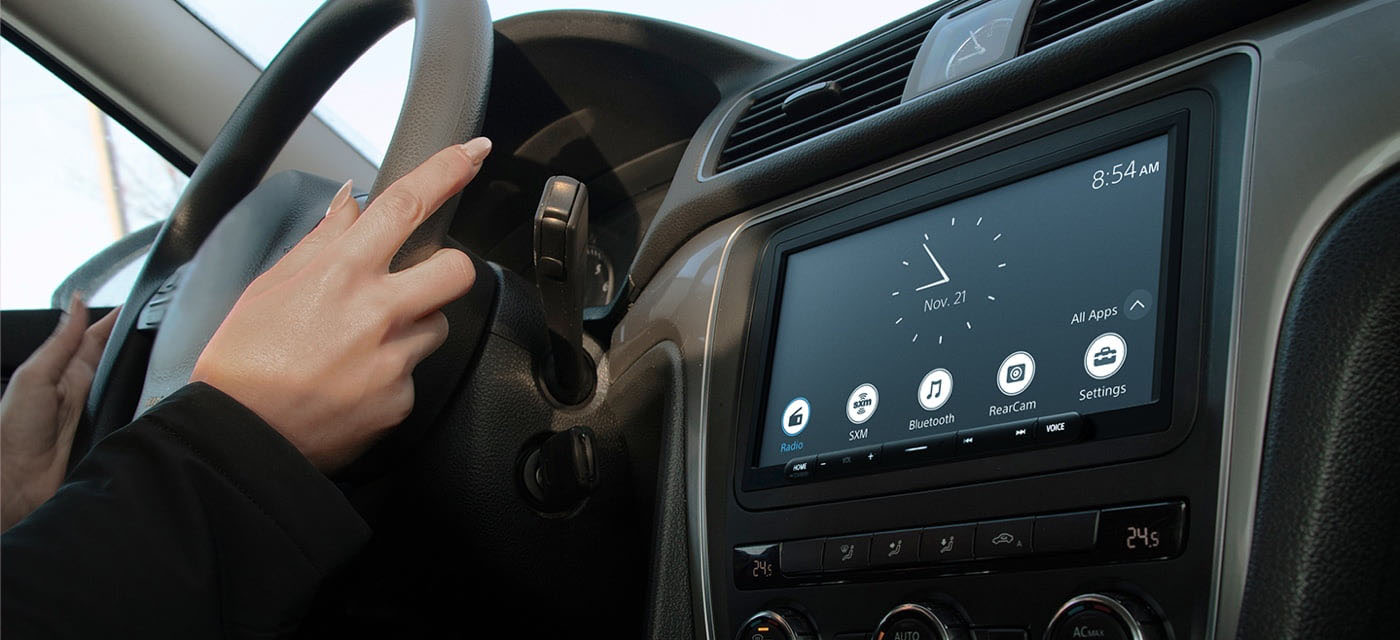
Wireless Smartphone Connectivity
Connect your smartphone via Bluetooth and Wi-Fi for convenient access to compatible smartphone features. Use navigation, make hands-free calls, and stream your favorite music while keeping your phone safely in your pocket. The included GPS antenna helps provide accurate navigation positioning.
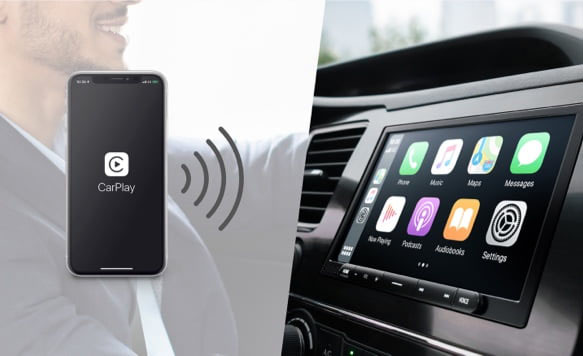
Apple CarPlay
Bring your favorite iPhone features to your car's display. Use Siri voice control or the touchscreen to access navigation, music, phone calls, and messages while keeping your attention on the road.
- Siri voice control
- Navigation and music access
- Calls and messages on the go
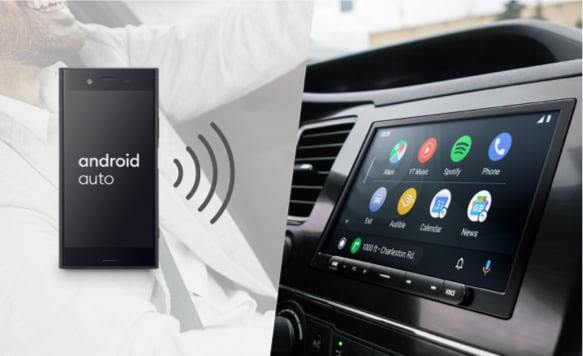
Android Auto
Stay connected with Android Auto. Use voice commands to send messages, make phone calls, navigate with Google Maps, and control your music without taking your hands off the wheel.
- Google Assistant voice commands
- Google Maps navigation
- Convenient music and call control
Wireless connection availability depends on your smartphone, country, or region.
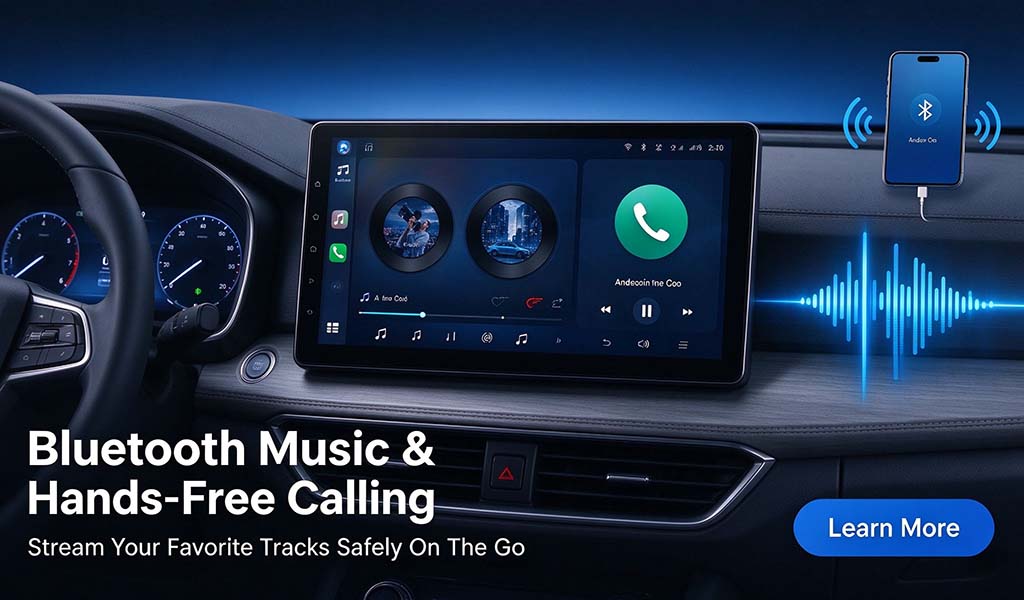
Bluetooth Music & Hands-Free Calling
Enjoy convenient wireless audio streaming and hands-free calling through your car's sound system. Connect your smartphone via Bluetooth and enjoy your favorite music and calls while driving.
- Wireless music streaming
- Hands-free phone calls
- Convenient Bluetooth connection

Powerful & Faster CPU
Powered by a high-performance processor, the system delivers responsive operation and smooth multitasking for your everyday driving needs.
- Faster system response
- Smoother multitasking
- Enjoy a more fluid user experience
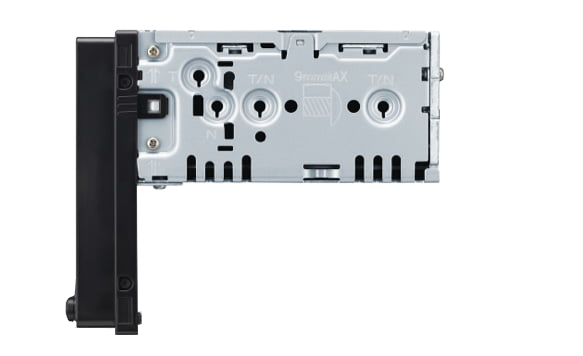
Easy Installation, Plug & Play
Designed for straightforward installation with the supplied cables and connectors. No cutting of factory wiring is required. Professional installation is recommended to ensure proper connections and the best results.
- Vehicle-specific wiring harness
- Supplied installation accessories
- No factory wire cutting required
FM/AM Radio
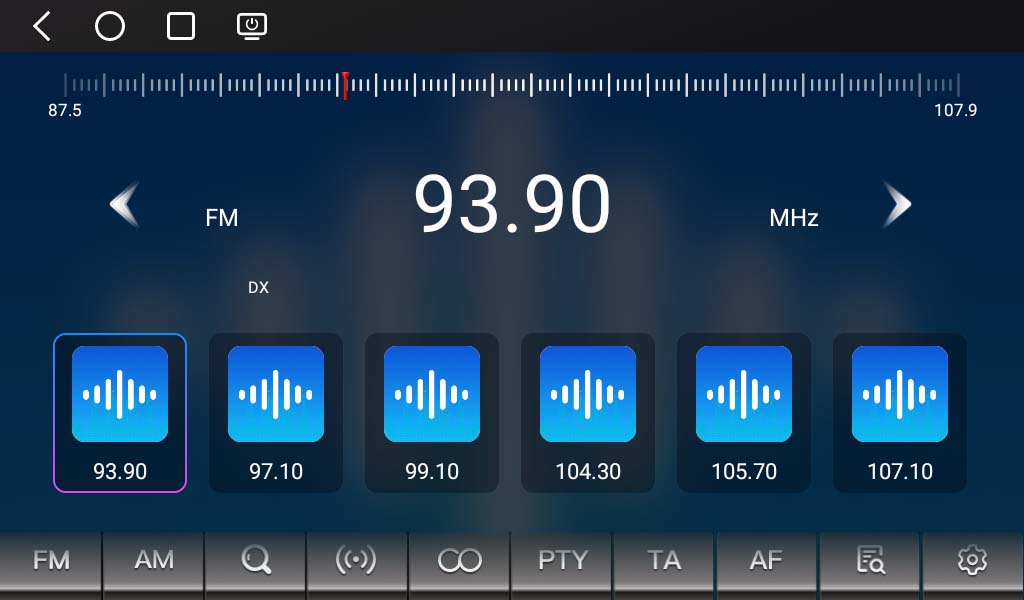
Enjoy your favorite local FM and AM radio stations with convenient station tuning. Stay entertained and informed with music, news, and traffic updates during your journey.
USB Music & Video Playback
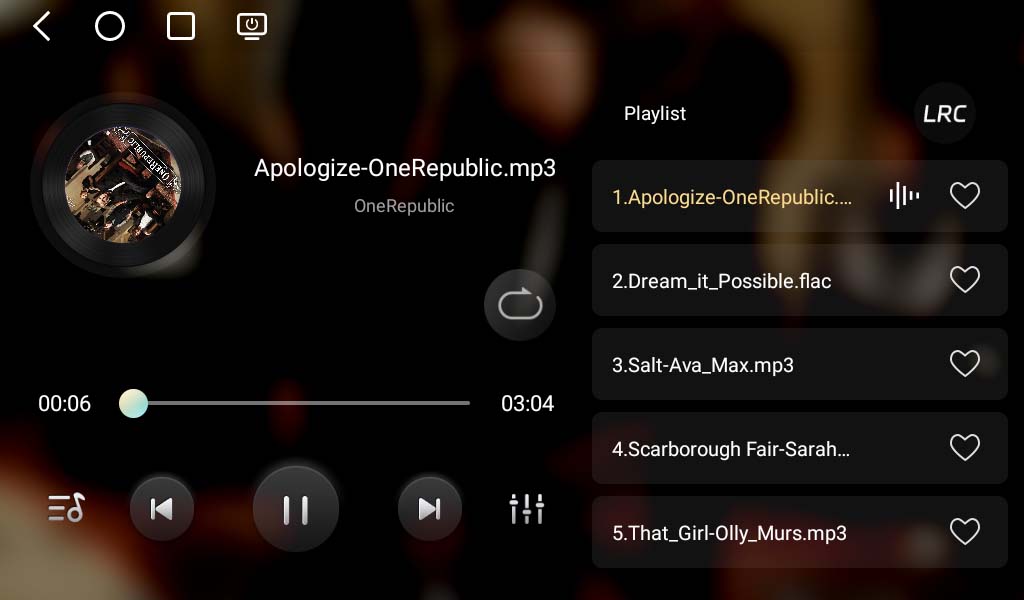
Connect a USB flash drive to the supplied USB port and enjoy your favorite digital media directly through the radio.
- USB music playback
- USB video playback
- Convenient access to stored media
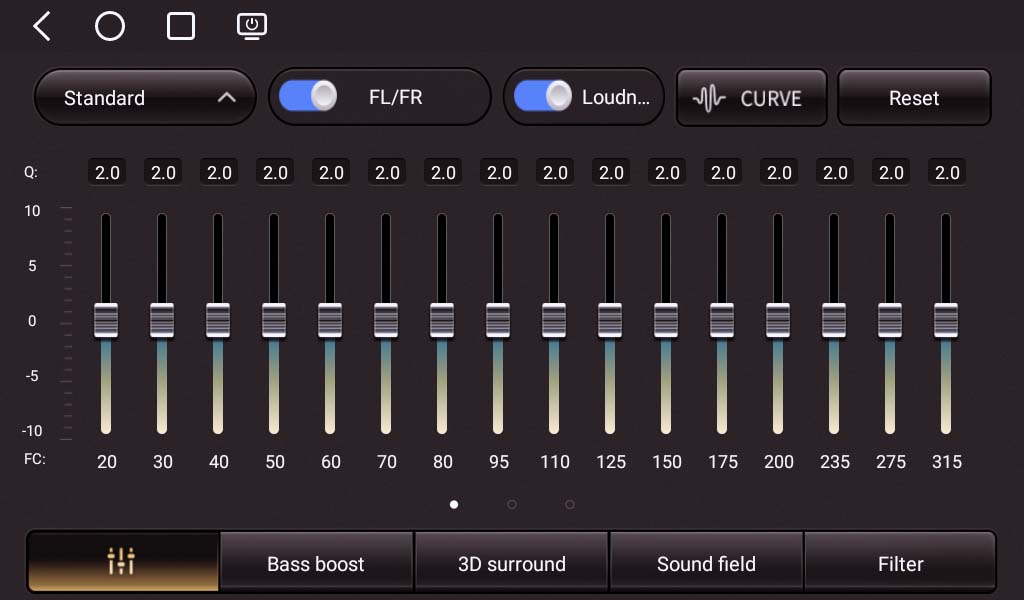
Equalizer Settings
Fine-tune your in-car audio to match your personal listening preferences. Adjust bass, treble, and other sound frequencies to create an audio experience that suits you.
- Adjustable bass and treble
- Customizable sound settings
- Personalized listening experience
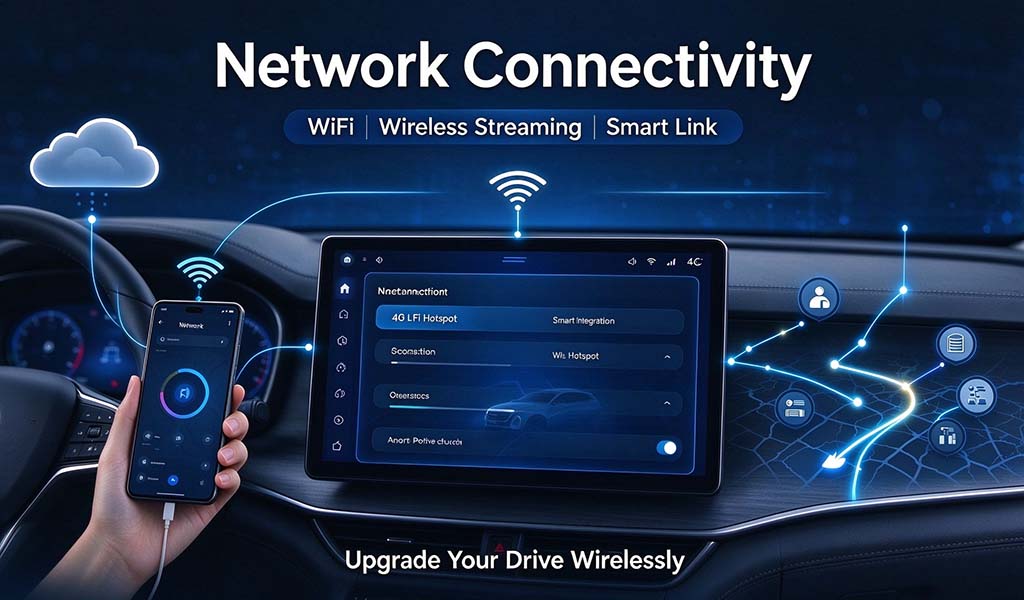
Network Connectivity
Stay connected on the road with Wi-Fi and supported 4G LTE connectivity. Access online navigation, music streaming, and other internet-based services.
- Wi-Fi connectivity
- Supported 4G LTE connection
- Access to online services
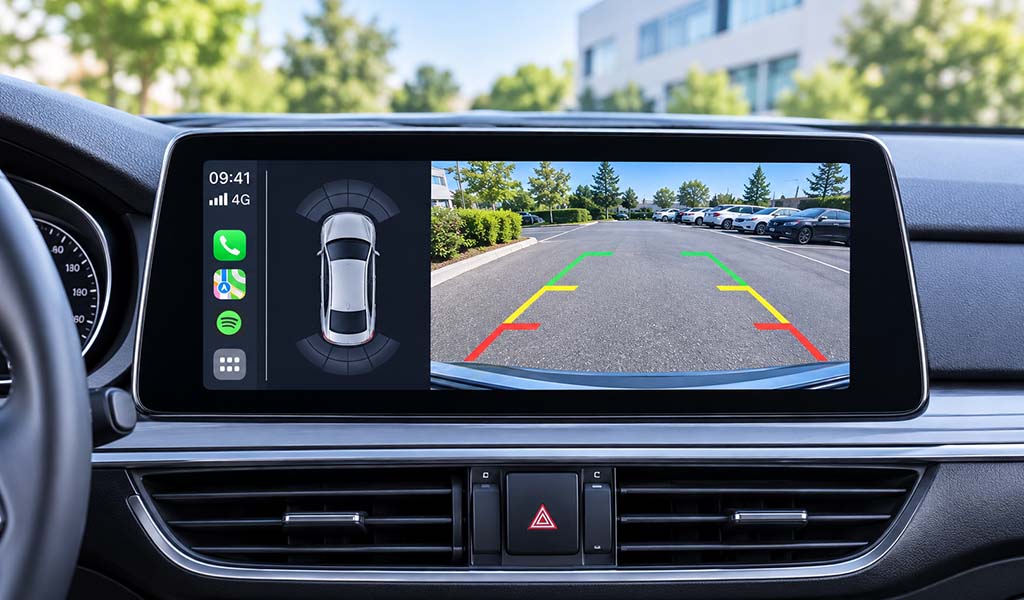
Backup Camera (Optional)
Make reversing and parking easier with an optional backup camera. The display automatically switches to the rear camera view when reverse gear is engaged.
- Automatic reverse display
- Clear night vision
- Improved rear visibility
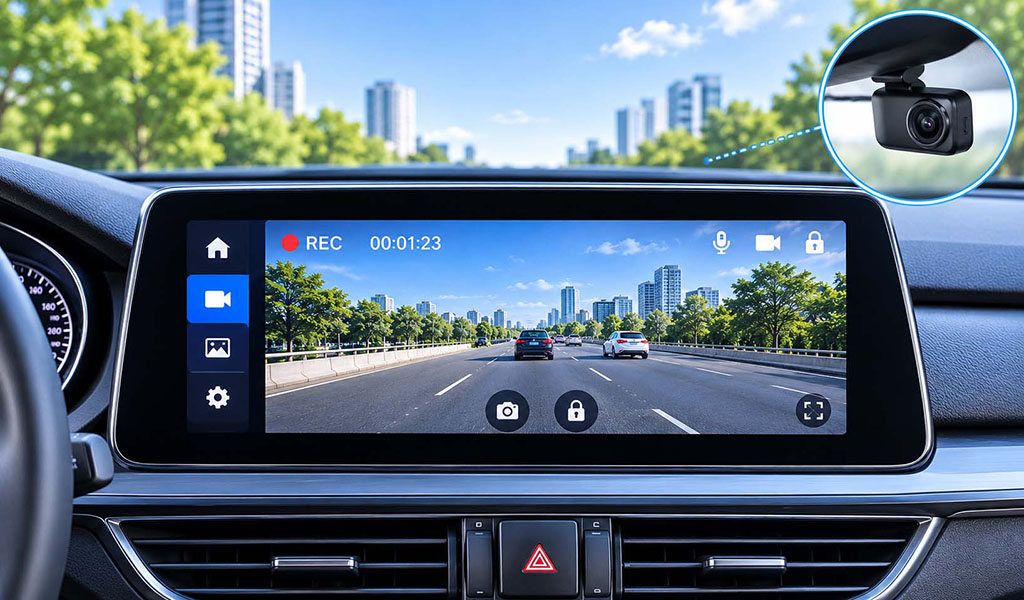
Front In-Dash Camera (Optional)
Add an optional front camera to record video while driving. Enjoy convenient touchscreen control and a straightforward plug-and-play connection.
- Forward-facing video recording
- Touchscreen control
- Optional camera accessory
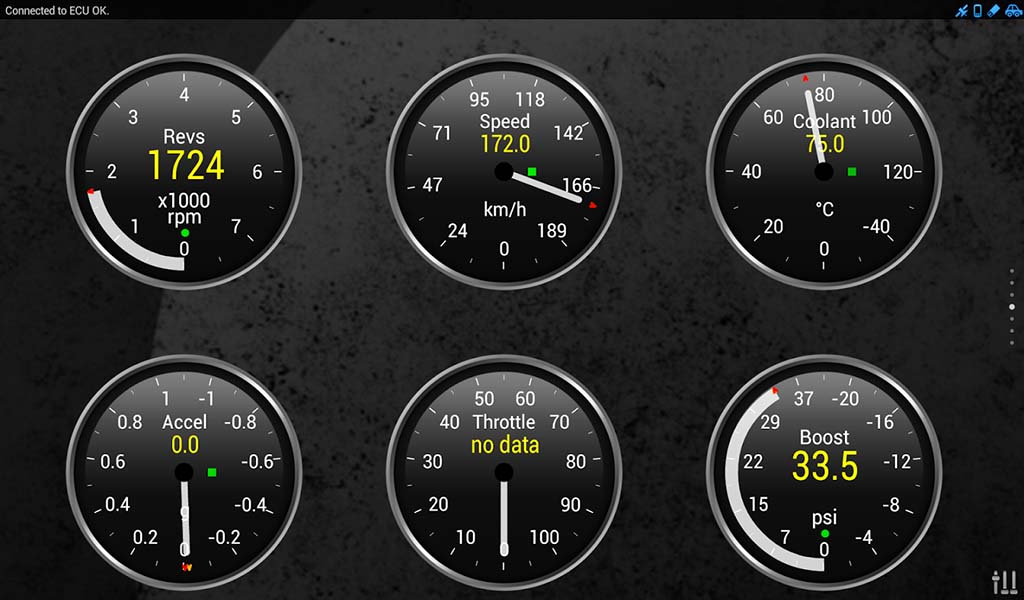
OBD Diagnostic Adapter (Optional)
Connect an optional OBD adapter to monitor supported vehicle data and read engine fault codes. Available information and functions depend on your vehicle model and OBD system.
- Vehicle data monitoring
- Engine fault code reading
- Vehicle compatibility dependent
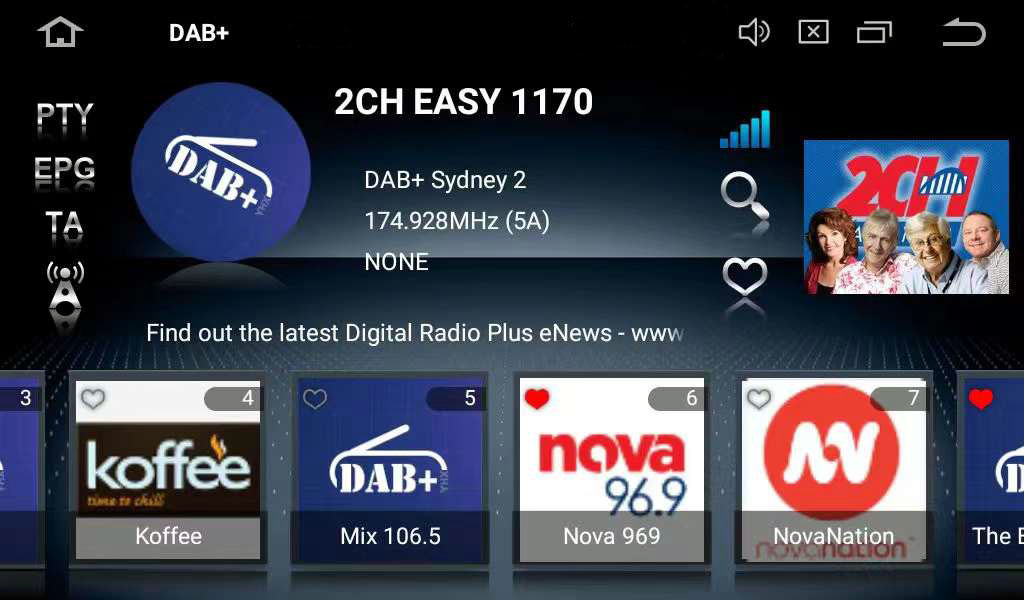
DAB+ Digital Radio Tuner (Optional)
Upgrade your radio with an optional DAB+ tuner to enjoy digital radio broadcasts and access available digital stations with clear reception.
- Digital radio reception
- Access to available DAB+ stations
- Subject to local DAB+ coverage
Payment Accepted |
 |
|
Shipping |
 |
|
We offer worldwide shipping service by international couriers like FedEx/UPS/DHL/EMS/Aramex etc., Orders usually be shipped within 1-2 working days and the tracking number will be sent to you by system email. For example, if you come from US, it usually takes about 3-5 business days to arrive your door after place the order. |
Be first to review!
Recommend this product to a friend.
How would you rate this product out of 5 stars?
-
posted by
Overall


