Browse categories
|
Categories
Information
Sponsors
 |
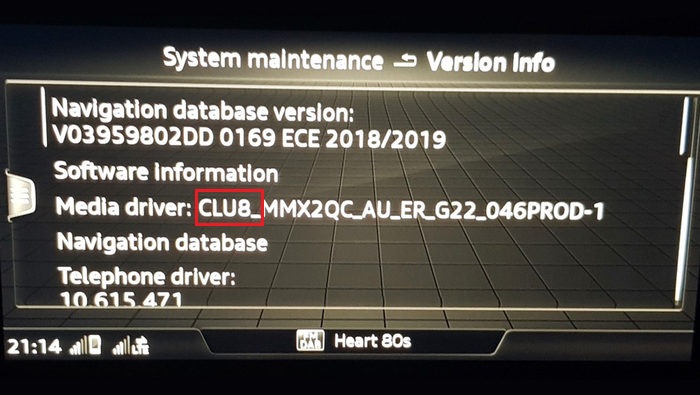
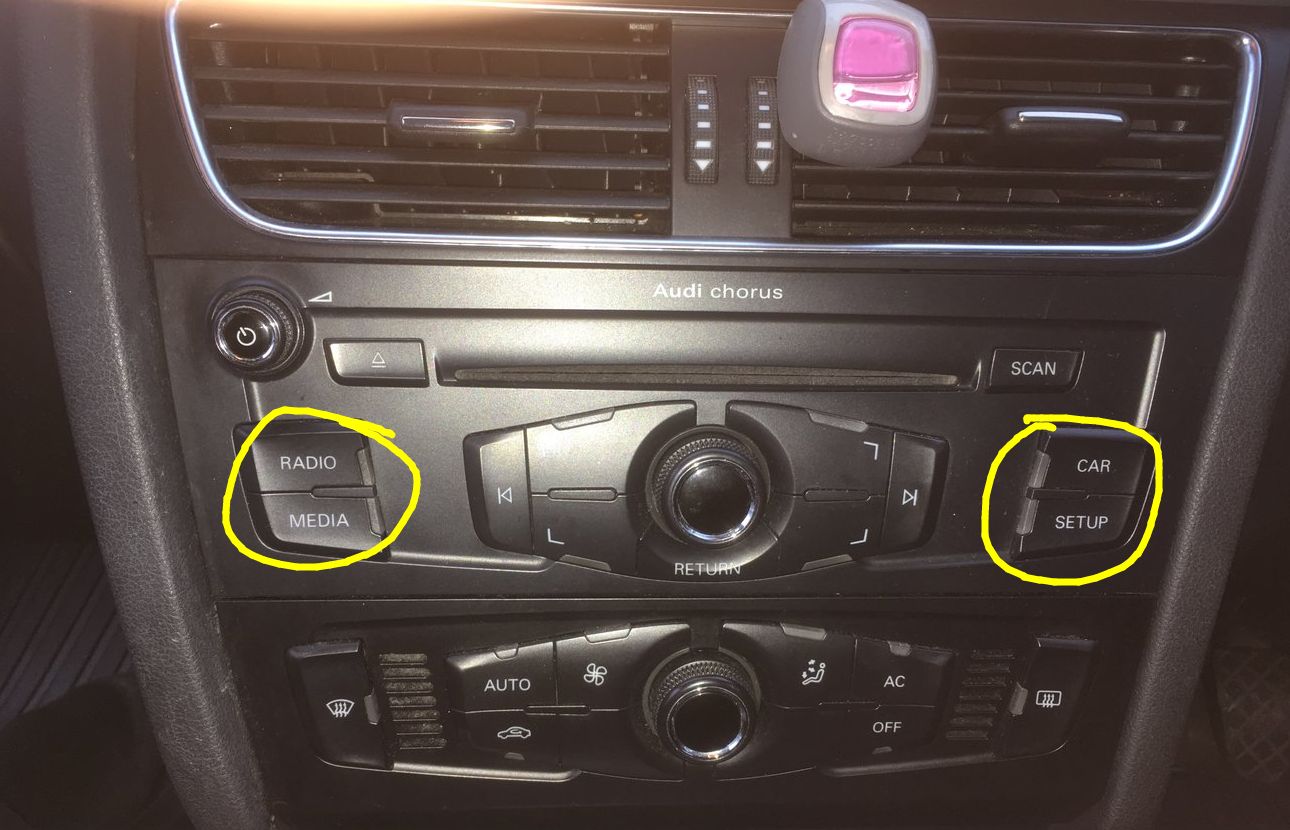
How to find out which radio I have in my Audi?How to find out which radio I have in my Audi? If you do not know what type of OEM radio or which MMI software version is installed in your Audi, we made this simple chart for you where you can learn how to identify the original MMI Audi head unit and software version that is installed in your car from the factory. It is actually very easy to know what MMI system you have just by looking at the MMI software version in your radio. How to access the MMI software version in your Audi radio: 1. Press the "Setup" or "Menu" button on the radio. Type 1- CLU8_XXXX - Audi MIB 2 High Type 2 – MHI2_XX_ - Audi MIB 2 High Type 3 – MST2-Audi MIB 2 STD Type 4 – MHIG_XX- Audi MIB 1 High Type 5 – MSTD_XX_ - Audi MIB 1 STD Type 6 – HN+_ XX_- Audi MMI 3G+ Type 7 – HNav_XX_ - Audi MMI 3G High Type 8 – BNav_ XX_- Audi MMI 3G Low/Basic Type 9 – Audi Concert or Symphony Type 10 – RMC_XX_ - Audi RMC Type 11 – Audi MMI High 2G Type 12 – Audi MMI 2G Low/Basic Only four buttons. The dashboard also does not have AUX nor AMI This dashboard also does not have AUX nor AMI |

CarNaviPlayer is professional in exporting auto multimedia entertainment and navigation system with location in Shenzhen, China. 


|
|